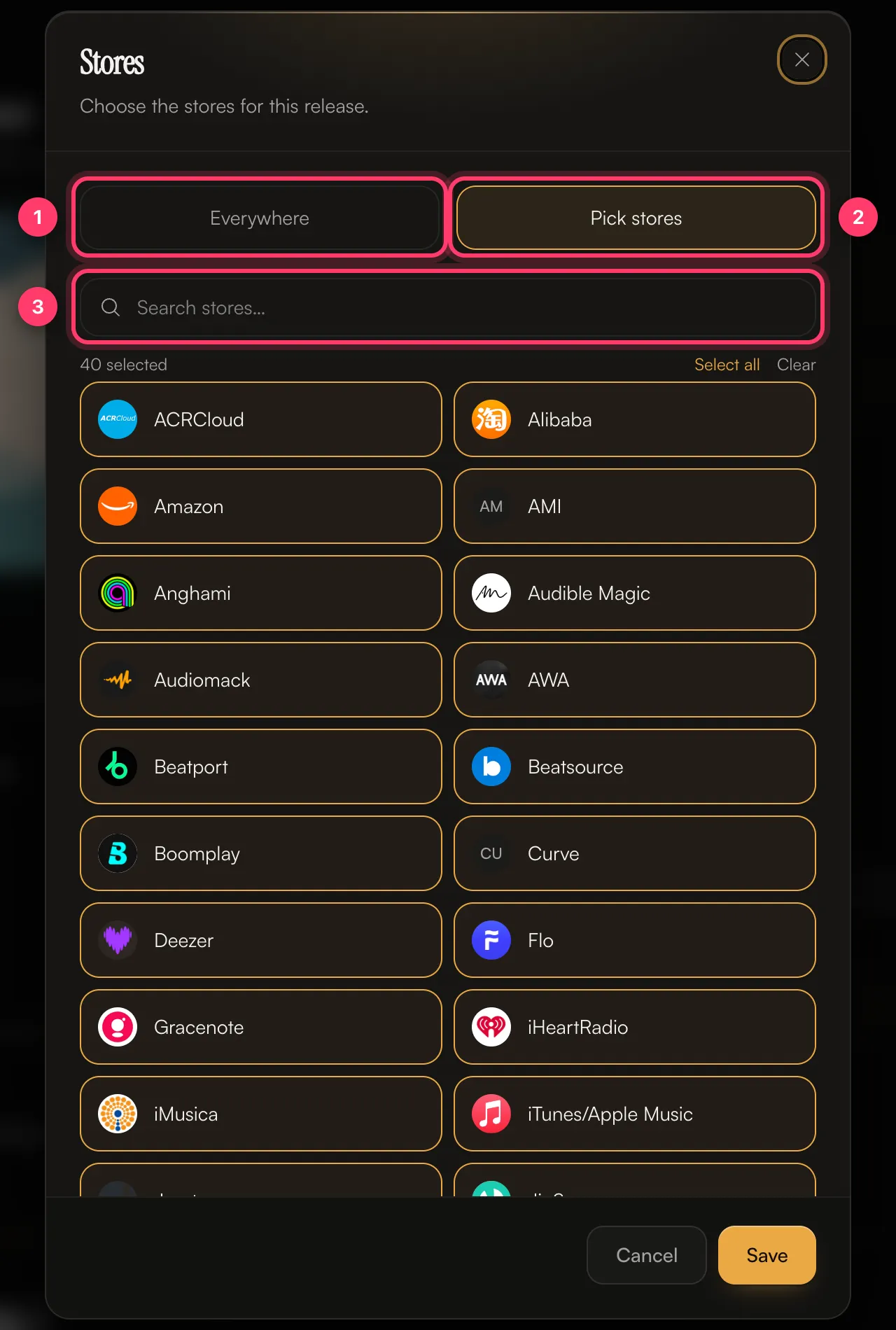
The store list
The store picker in the release builder always shows the current list, so it can differ slightly from this table when a store is added or paused.
Choose stores for a release
You pick stores in the Review & submit section of the release builder.- Open your release and scroll to Review & submit.
- Click the Stores card. By default it says All stores – Everywhere we distribute.
- Choose Everywhere to send the release to every store, or Pick stores to choose them yourself. Use Search stores… to find a store quickly, or Select all and Clear.
- Click Save. The card now shows the number of stores you picked.