
What you can and can’t change
For anything in the right-hand column, contact us.
Request changes is on the web dashboard only. It isn’t in the mobile app.
1. Send a request
- Open Releases and click the release. It must be Delivered or Live.
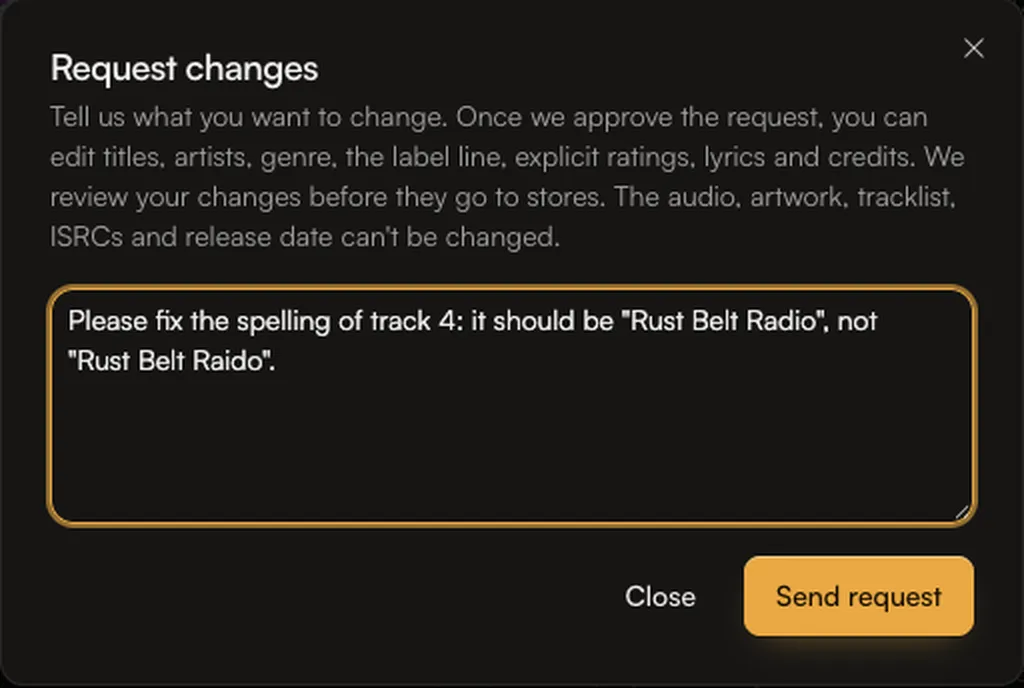
- Click Request changes at the top right.
- Describe what you want to change. Be specific, for example which track and what the new title should be. You can write up to 2,000 characters.
- Click Send request.
 A banner at the top of the release now says Change request sent, with what you asked for. If you change your mind, click Withdraw request.
2. Make your changes
When we approve the request, the banner changes to You can edit this release and an Edit release button appears in the banner (and Edit Release at the top of the page). We may add a note from our team.- Click Edit release. The builder opens with the banner Editing a release that is already in stores.
- Make your changes. Fields you can’t change are locked.
- Scroll to Your changes at the bottom. It lists every change next to the old value.
- Click Submit changes for review.
 To start again, click Discard changes. This puts the release back to how it was delivered.
3. We review and send the update
- Your changes are being reviewed: we check the changes before they go to stores. If something needs fixing, we send the release back to you with a note.
- Your changes are being sent to stores: stores usually show updated details within a few days.
If you see “Changes to this release have to be made by our team”
Not every release can be changed this way. If the dialog says “Changes to this release have to be made by our team. Contact support.”, send us a message from the chat on this page, or email team@ammdistro.com. Tell us the release name and exactly what should change, and we’ll make the change for you.Other messages you might see
- “Only a release that is out in stores can be changed this way.” The release isn’t Delivered or Live yet. If it’s still a draft or has revisions requested, edit it in the builder as usual.
- “A change request is already in progress for this release.” Finish or withdraw the current request first.
- “Nothing has changed yet.” You clicked Submit changes for review without changing anything.