
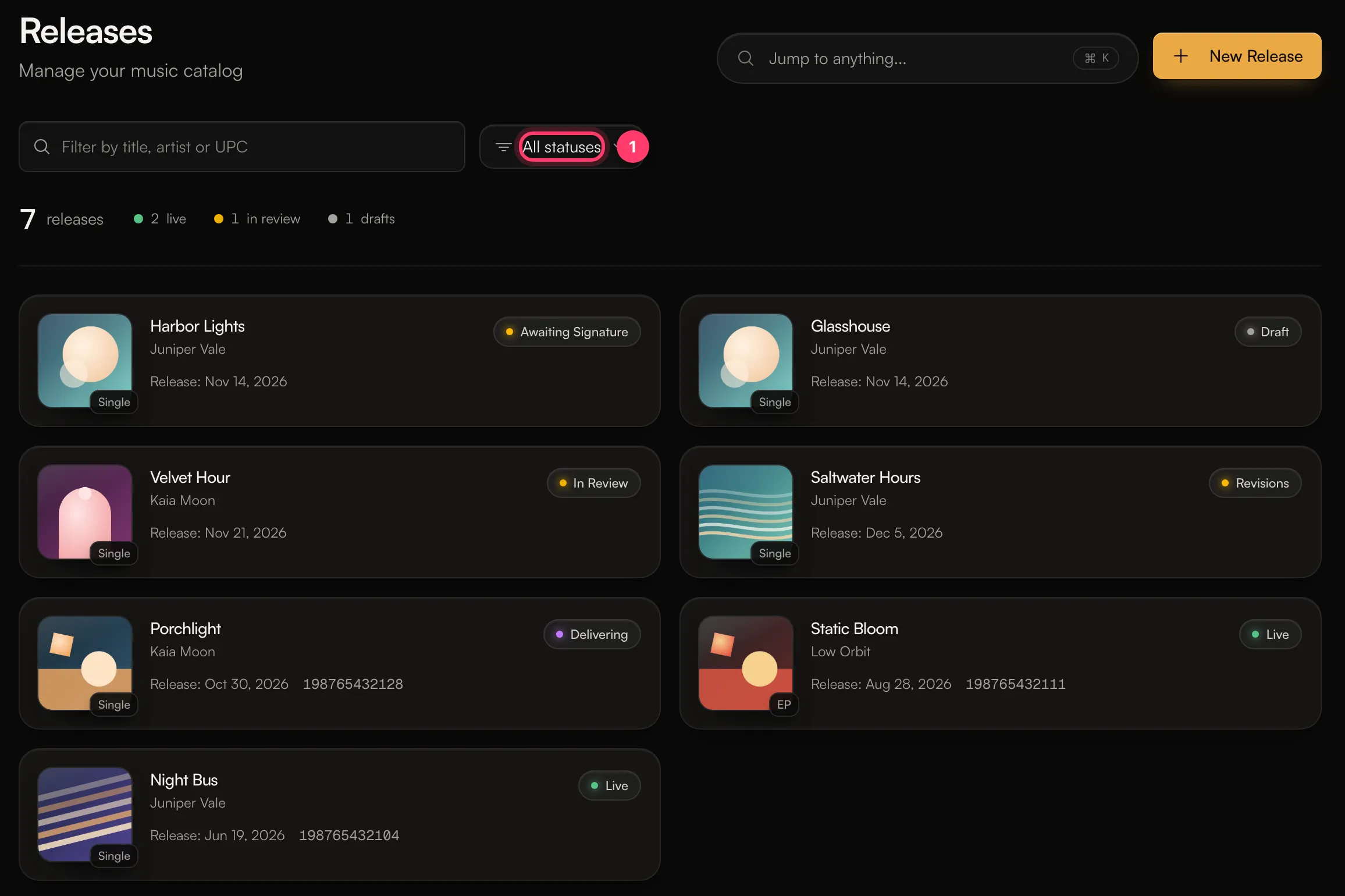
 To show only releases with one status, use the buttons under the search box on the Releases page. They list only the statuses your catalog has. Statuses that don’t fit are under Other. All releases shows everything again.
From draft to live
Statuses that need attention
When a release is in Revision requested, Rejected or Open for edits, a banner at the top of the release shows the notes and what to do next.
Removing a release
An account admin can ask for a takedown from the release’s Delivery tab. See Take a release down.
Where else you see the status
- Recent releases in the left menu shows a short line under each release. Before a release is approved, and while it’s on hold or being taken down, the line is the status name. Once it’s approved, delivered or live, the line is its date, such as “Out Nov 14”, “Out today” or “Released Jun 19”.
- Home shows an Updates card when a release needs changes or was rejected.
- We email you when a release is approved, sent back for changes, or rejected. You can turn these emails off in Settings → Notifications (Release updates).
- The mobile apps show the status too, with filters for Out, In progress and Drafts.