
Open a track’s credits
- Open your release in the builder and go to Tracks.
- Click a track to expand it and scroll to Credits.
 The Still needed line under Composition lists what’s missing, for example “Still needed: 1 songwriter, 1 producer or engineer”. When everything is in, it says “Every required credit is in.”
Add a person
- Click Add contributor, or click one of the Suggested credits: Add songwriter, Add lyricist, Add producer or engineer, Add performer or Add mixing or mastering engineer. A suggestion the track still needs is marked.
- Under Who was it?, search for someone already on your account. If they aren’t there yet, type their name and click Add “Name” to this account. They’ll be available on your other tracks too.
- Click Pick roles and choose every role they had. You can search the role list.
Which roles count
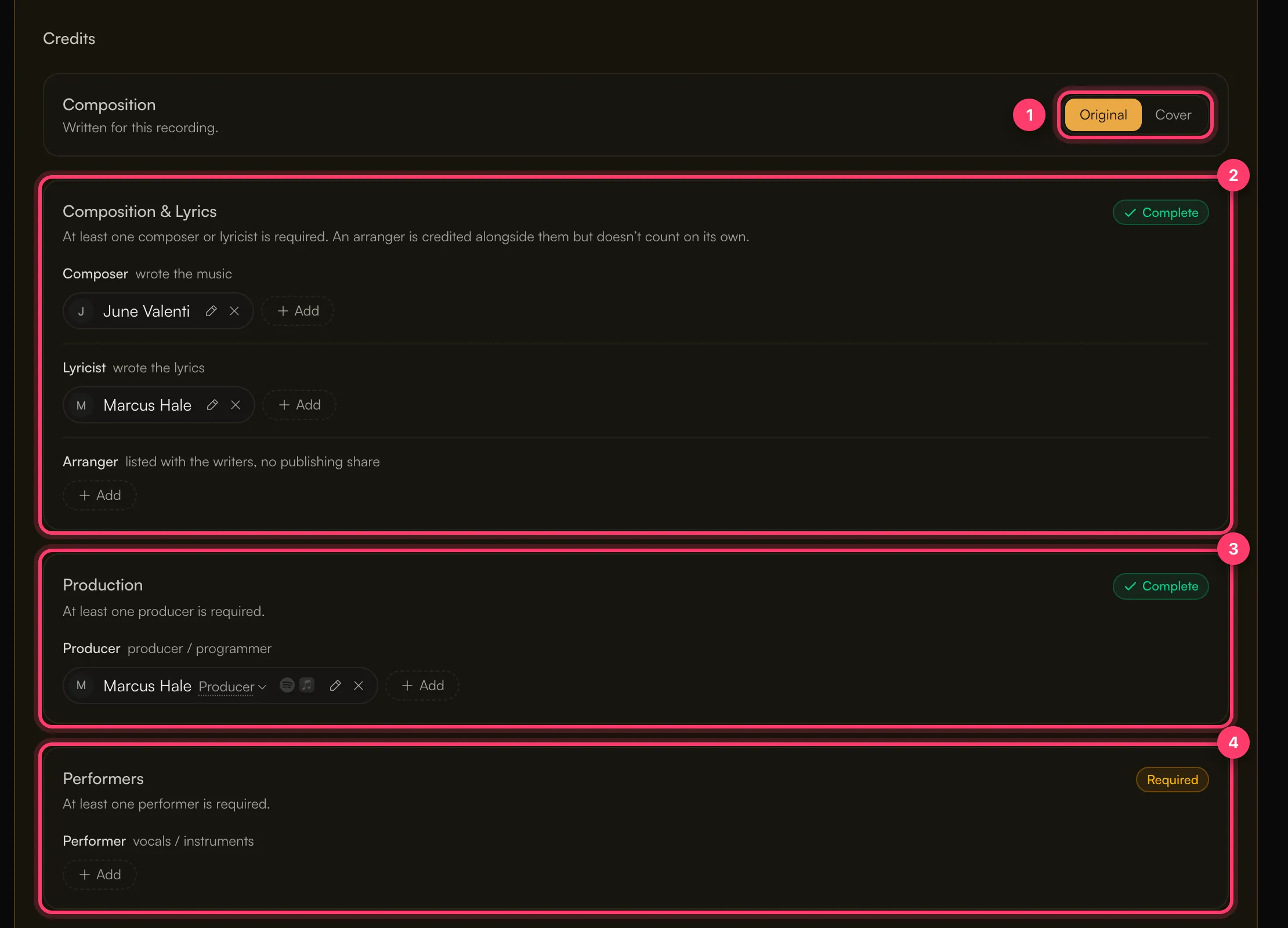
- Songwriter: Composer, Lyricist, Songwriter or Composer & Lyricist. An Arranger is credited with the writers but doesn’t count on its own.
- Lyricist: needed on a track with vocals and lyrics. Lyricist, Songwriter or Composer & Lyricist counts. An instrumental track (No, it’s instrumental under Vocals) needs none.
- Producer or engineer: Producer, Engineer, Mixing Engineer and similar roles.
- Performer: vocals or instruments, such as Vocals, Lead Vocals, Guitar or Drums.