
Sign in with an email link
- Go to ammdistro.com and click Client Login. You’ll see “Taking you to sign in…” and then Sign in to AMM Distro.
- Enter your Email address and click Continue with email.
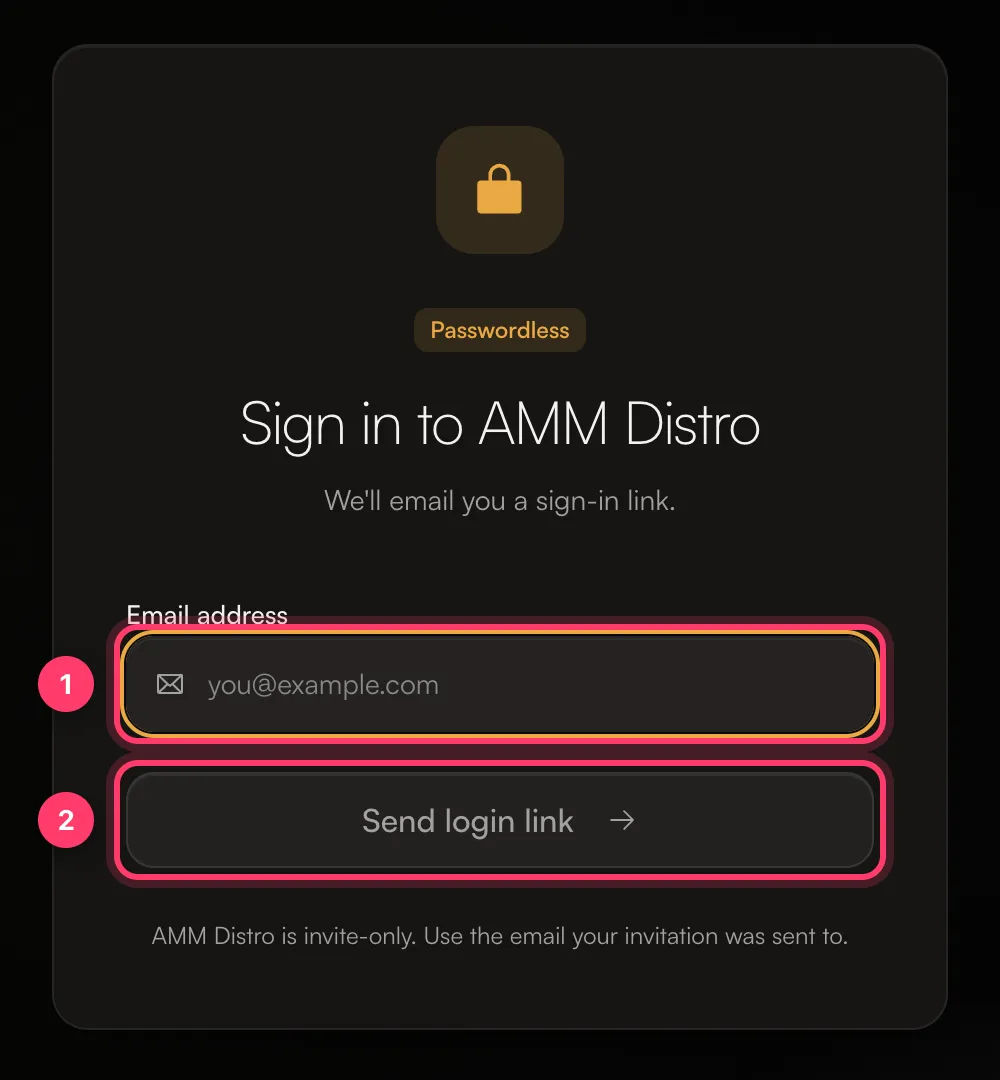
- The screen changes to Check your inbox and says “Waiting for you to open the link”. Leave it open.
- Open the email from AMM Distro and click the link. The link works once and lasts 15 minutes. You can open it on any device, for example your phone.
- The first screen continues on its own, signs you in and takes you to AMM Distro.
Your sign-in number
Under On another device?, the Check your inbox screen shows a two-digit number.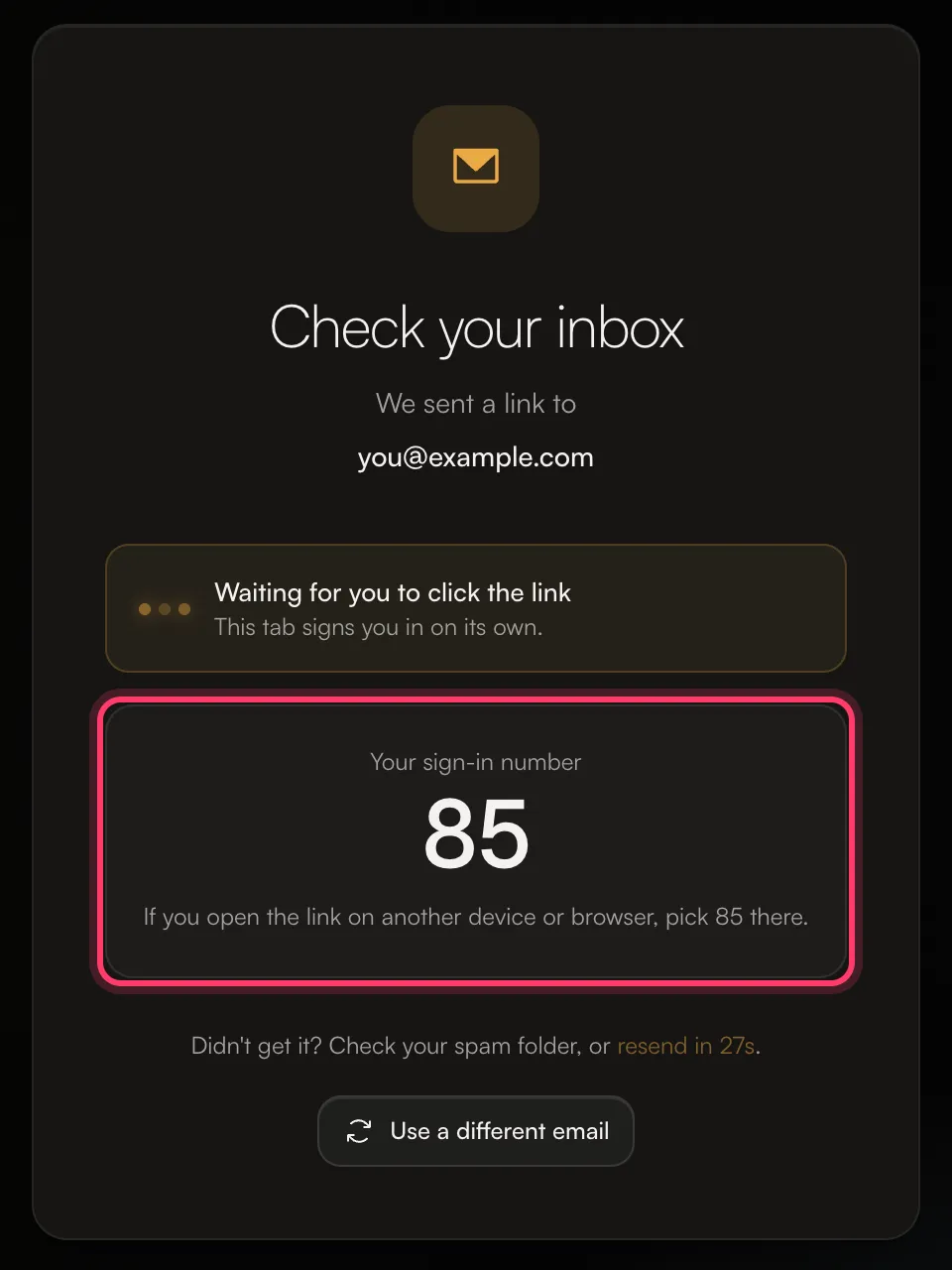
- If you open the link in the same browser, you’re signed in straight away.
- If you open the link on another device or browser, you’ll be asked to pick a number. Pick the one shown on the screen where you started.
Sign in with a passkey
After you sign in with an email link, you may be asked to Add a passkey. A passkey lets you sign in with Face ID, Touch ID or your device PIN instead of waiting for an email. It works for AMM Distro and ANTHM, and you can still sign in with an email link. Click Not now to skip. Next time, click Continue with passkey (or Sign in with a passkey) on the sign-in page.No email arrived
- Check your spam or junk folder, or search your inbox for “AMM”.
- Check the address. If you mistyped it, click Use a different email.
- Use the email you were invited with. If you have more than one email, try the one your invitation went to.
- Send a new one. After a short countdown you can click Resend link. Only the newest link works.
Error messages
How long you stay signed in
On the web you stay signed in for 7 days. In the mobile apps you stay signed in for 60 days. To sign out, click your name at the bottom of the left menu and choose Sign out.Sign in on the mobile app
- Open the AMM Distro app and tap Continue with AMM.
- Sign in on the page that opens, with a passkey or an email link, the same way as on the web.